ShopDreamUp AI ArtDreamUp
Deviation Actions


Suggested Deviants


Suggested Collections


You Might Like…


Featured in Groups


Description
UPDATE: 08-14-2010
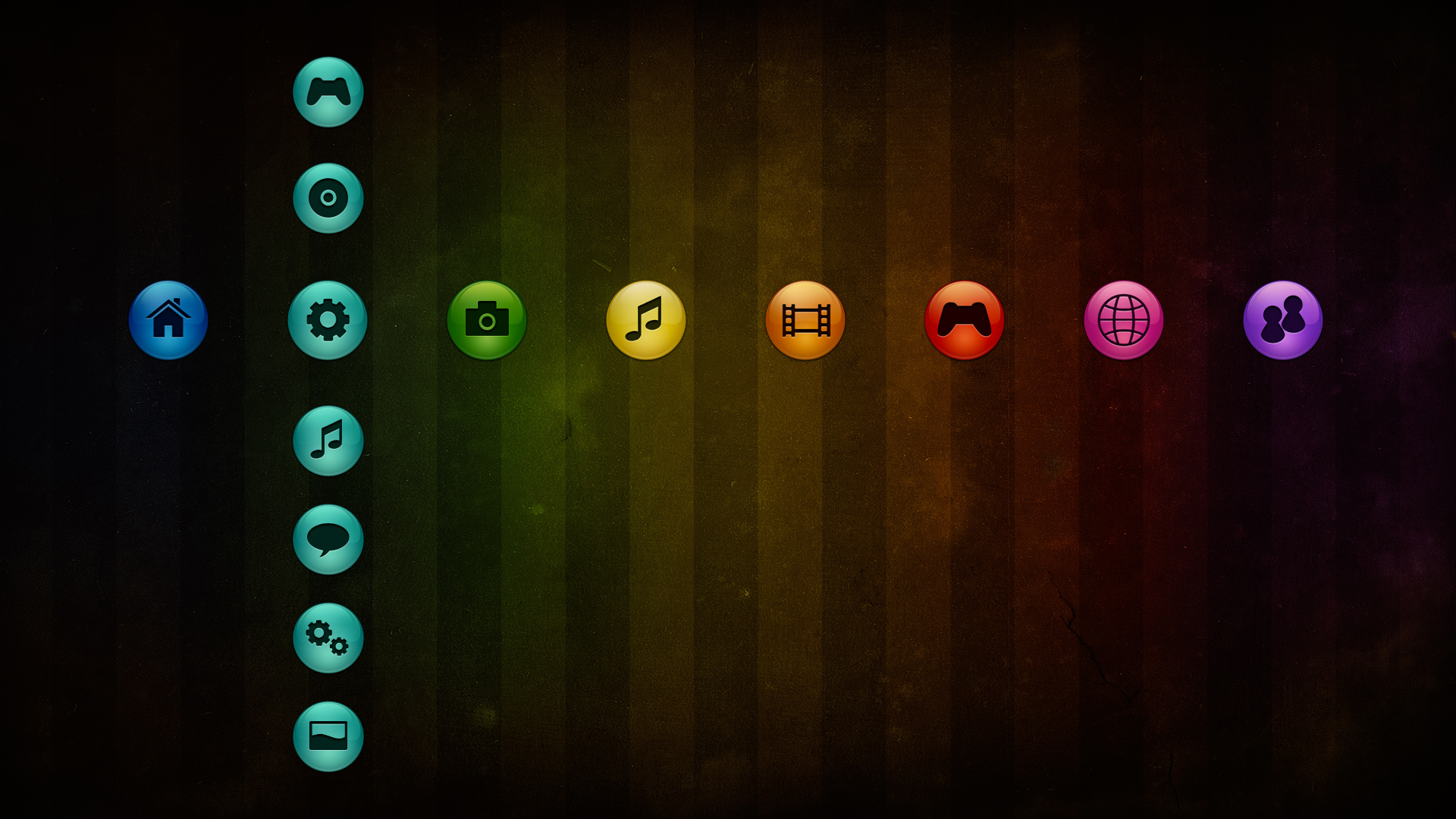
If you don't like the wallpaper you can just replace it with your own
To install these themes unzip the PS3 folder on your USB drive. Insert the USB Drive on your PS3 and go to Settings > Themes Settings > Theme > Install and select your USD Drive.
Terms of Use:
These themes are personal use only. The images and icons used in these themes are property of StudioTwentyEight.com
Distributing these images and icons commercially or with any intent for monetary gains is prohibited. NO MODIFICATIONS, PORT OR REDISTRIBUTION WITHOUT PERMISSION..
By downloading this file you agree to follow these terms of use.
Copyright © 2008-2010 StudioTwentyEight - www.studiotwentyeight.com. All rights reserved.
If you don't like the wallpaper you can just replace it with your own
To install these themes unzip the PS3 folder on your USB drive. Insert the USB Drive on your PS3 and go to Settings > Themes Settings > Theme > Install and select your USD Drive.
Terms of Use:
These themes are personal use only. The images and icons used in these themes are property of StudioTwentyEight.com
Distributing these images and icons commercially or with any intent for monetary gains is prohibited. NO MODIFICATIONS, PORT OR REDISTRIBUTION WITHOUT PERMISSION..
By downloading this file you agree to follow these terms of use.
Copyright © 2008-2010 StudioTwentyEight - www.studiotwentyeight.com. All rights reserved.
© 2008 - 2024 javierocasio
Comments129
Join the community to add your comment. Already a deviant? Log In
How can I download this theme?